
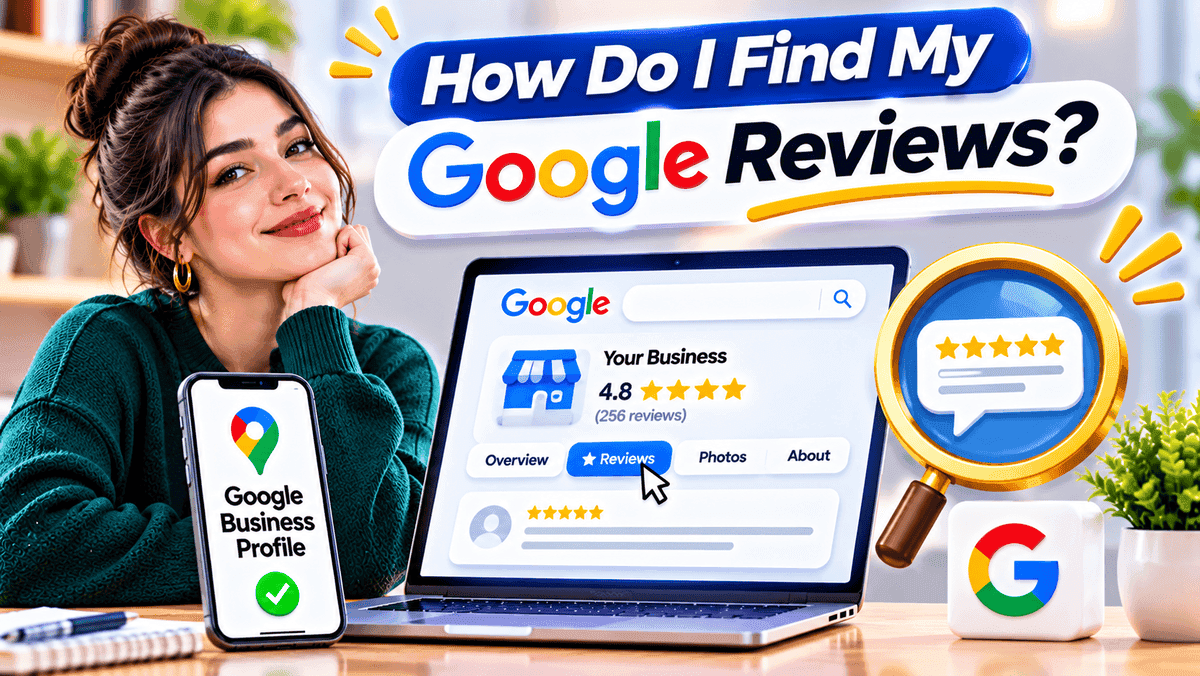
How do I find my Google reviews? It depends on who wrote them. A review someone posted as a customer lives in Google Maps, under Your contributions. A review a business received lives in its Google Business Profile. Both take a minute to reach once the right account is open. Below are the steps for each, plus fixes for reviews that seem lost.
Where Can I Find My Google Reviews?
Reviews written as a customer sit in Google Maps. Open the menu, pick Your contributions, then Reviews. Reviews left for a business sit in its Google Business Profile. Choose Read reviews there. Any business can also be searched by name. Its public reviews show on Search or Maps.
Which Google Reviews Are You Looking For?
The word "review" means different things on Google. A diner who rated a pizza place and a shop owner checking feedback need different screens. The table points each reader to the right spot.
Looking forWhere to find themReviews written as a customerGoogle Maps, then Your contributions, then ReviewsReviews customers left for a businessGoogle Business Profile, then Read reviewsReviews of another businessGoogle Search or Maps, then the business listing, then ReviewsReviews written for appsGoogle Play Store, ratings and reviews in the account menu
How to Find Google Reviews You Have Written
This is the path most people need. Google Maps keeps every review from one account in a single list. The only job is to reach that list.
Find Your Google Reviews on a Computer
Each entry shows the place name, the date and the star rating. Photos added with a review show up beside the text. Older entries load as the page scrolls. A review from years back may take a moment.
Find Your Google Reviews on iPhone or Android
Open the Google Maps app first and check which account is active. Tap the profile picture at the top right. Pick Your profile or Your contributions, then the Reviews tab. Google renames menu items now and then. Wording may differ a little on some phones.
How to Edit, Delete or Share a Review You Wrote
Every review in the list has a small menu. It offers Edit review, Delete review and Share. The writer can change or remove a review at any time. A business owner cannot delete a customer's review. Owners can reply to it or report it, and that is all.
What If Another Google Account Was Used?
Missing reviews often sit under a different account. Many people have an old Gmail, a work login or a school login. Each one keeps its own list. A review posted years ago may belong to an email nobody uses anymore. Signing in to that account usually brings it back. Switch accounts from the profile picture in Google Maps and check them one by one.
How to Find Reviews Customers Left for Your Business
Owners have two routes. Google Search gives a fast look. The Business Profile gives more control.
Find Business Reviews Through Google Search
Search the business name while signed in to the account that manages the listing. Pick the right listing from the results. Click the review count or the Reviews section to read what customers wrote.
Find Reviews Through Google Business Profile
Sign in with the account that manages the profile. Open the correct profile and choose Read reviews. Replying takes one more step, because Google asks owners to verify the profile first. Not done yet? Learn how to verify your Google Business Profile and then return to the Reviews area.
Check Business Reviews on Mobile
On a phone, search the business name or open it in Google Maps. The listing shows the rating, the review count and the latest reviews. Owners see the same public reviews as customers. Reply options appear after signing in. A café owner can answer a complaint from the counter between orders.
How to Find a Specific Customer Review
Reviews can usually be sorted by newest, highest or lowest rating. Some listings also let readers search inside reviews by keyword. Reviewer name, date and wording help narrow a long list. These options differ by device and listing. A missing filter does not mean something is broken.
Why Can't I Find My Google Review?
Two problems look alike but have different causes. A missing personal review usually points to the wrong account or a removed review. A missing business review usually points to the wrong listing or a profile access issue.
Possible reasonWhat to checkWrong Google accountSwitch to the account used to postReview has not appeared publiclyCheck again laterReview removed by GoogleThink about whether it broke content rulesWrong business listingConfirm the business name and locationReview was deletedCheck whether it still shows in Your contributionsBusiness Profile access issueConfirm the correct profile and account permissions
Google can take a while to publish a review. No fixed wait time applies. Before assuming a review is gone, check three things. Start with the account, then the place name, then the Your contributions list. Most cases end at one of them. Reviews that truly vanish often broke a rule, such as spam or a conflict of interest.
How to View Google Reviews for Any Business
Reviews of any business are public. Search the business name on Google Search or Maps and pick the right listing. Click the rating or the review count. No management access is needed. This is how a buyer checks a plumber before booking. Owners use the same view to see what customers praise about a rival.
How to Find Reviews You Left on Google Play
Google Play reviews belong to apps, not places. They live apart from Maps reviews. In the Play Store, tap the profile picture. The account menu holds ratings and reviews, often under Manage apps and device. Labels shift between app versions, so the wording may change. A review for a shop or a clinic will never show up here. That one lives in Maps.
What to Do After Finding Your Google Reviews
Respond to Customer Reviews Professionally
Keep replies short and polite. Thank the reviewer and answer the point they raised. Leave private details out. A calm reply to a bad review tells future customers how the business handles trouble. Offering to talk by phone or email keeps sensitive details off the public page. Praise deserves a thank you too. Many owners skip it.
Identify Common Customer Feedback
Reviews tend to repeat the same points. A small table turns those points into jobs.
Review patternUseful actionCustomers mention long waiting timesReview schedulingCustomers praise helpful staffKeep service standards steadyCustomers report unclear opening hoursUpdate business information
Feedback like this pairs well with regular Google Business Profile optimization. That keeps hours, services and details correct.
Report Reviews That Break Google's Rules
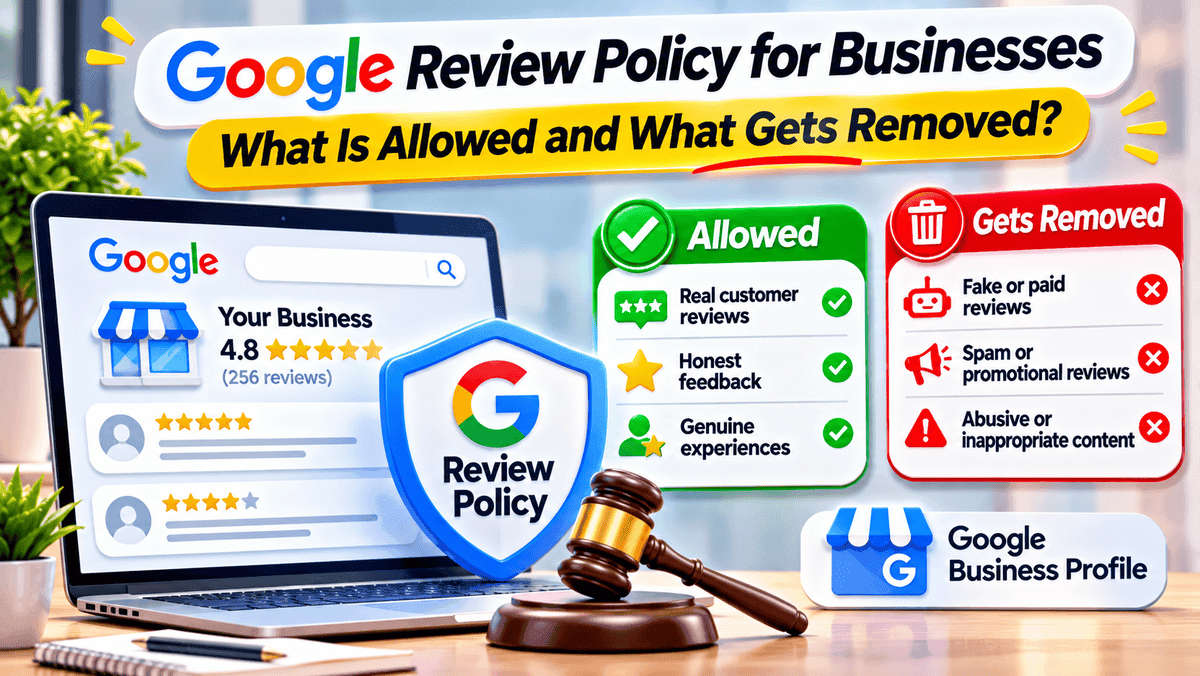
A fake, spam or off topic review can be flagged from the profile. Google makes the final call. Disliking a review is not enough to remove it. A report works best when it names a clear policy problem. Abusive language is one example. A review from someone who never visited is another. Results can take time. Google may leave the review in place.
How to Ask Customers for Google Reviews
Google lets businesses ask customers for reviews. Many share a direct review link or a QR code at the counter. Others add the link to a receipt or a thank you email. Neutral wording works best, such as asking for honest feedback. A discount, a gift or any reward in exchange for a review breaks the rules. So does asking only happy customers. A steady habit beats a one time push. Every honest review helps, even a critical one.
Are Google Reviews Public?
Yes. A Google Maps review shows publicly with the reviewer's display name and other public contributions. Anonymous Maps reviews do not exist. Owners do not get a reviewer's private account details. Anyone who wants more privacy can change the public name and photo in Google account settings. Reviews already posted stay public until the writer edits or deletes them.
Frequently asked questions
Final Thoughts
Finding Google reviews comes down to one question. Were they written as a customer or received by a business? Customer reviews sit in Google Maps under Your contributions. Business reviews sit in the Business Profile and the search listing. When something looks missing, check the account first, then the listing. Those two checks solve most cases.
Growth Specialist
Specializes in helping local businesses maximize online visibility and customer engagement.
About the Author
Sarah JohnsonGrowth Specialist
Specializes in helping local businesses maximize online visibility and customer engagement.